How to check an NDIS in-home support invoice in Brisbane
Compare your NDIS in-home support invoice with visits, agreed charges and current pricing guidance, then ask clear questions about any mismatch.
The short answer
To check an NDIS in-home support invoice, compare each line with the support you received, your agreed charges and the current rules that apply to your funding. Check the service date, hours, support description, rate and any separate travel or cancellation charge. If something does not match, identify the line and ask the provider to explain or correct it. Involve your plan manager where relevant.
For participants in Brisbane, Banyo and North Brisbane, a regular checking routine can make billing questions easier to resolve. You do not need to become a pricing expert. Start with what you know about your own week, then ask for the information needed to understand the bill.
1. Gather three things before you start
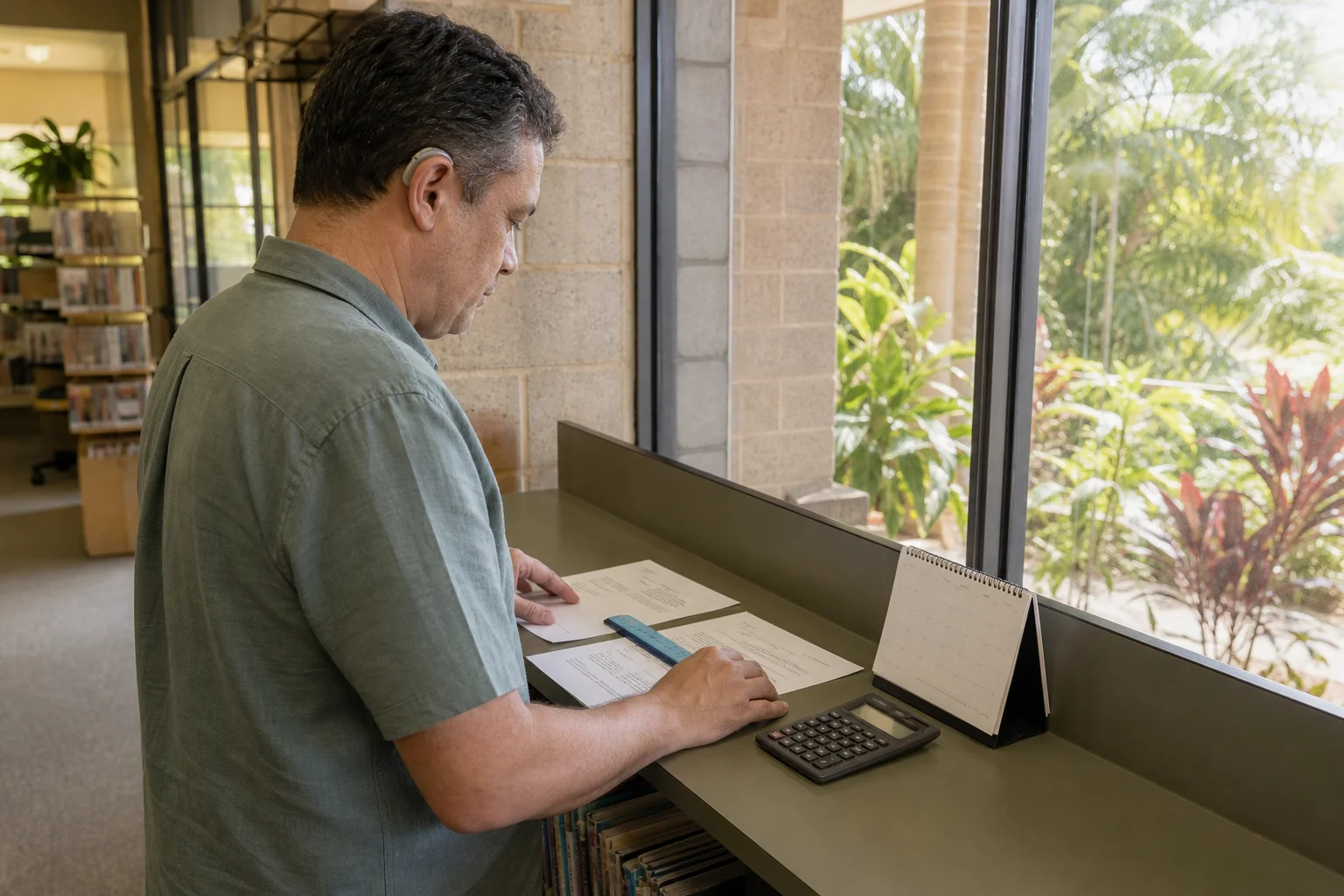
Put the invoice beside your current service agreement or quote and a simple record of the visits. A calendar, appointment messages or a brief note of arrival and finish times can help. You can ask a trusted person to work through the documents with you, while keeping decisions and information sharing under your control.
The NDIA's record-keeping guidance requires providers to keep accurate support records. Its invoice requirements include the participant, service dates, support type, quantities, business details, support item number, claim type and total. You can ask for an explanation of unfamiliar entries rather than trying to infer them from a code.
Keep the original invoice and any corrected version. Mark your own questions on a separate copy so there is a clear record of what you received and what changed. Store documents privately; avoid sending an entire plan or unrelated health information to explain one billing question.
2. Compare each visit with your actual week
Read one date at a time. Was that a morning personal-care visit, household assistance or another agreed support? Did the visit happen, and do the hours look right? Check whether a changed shift appears twice under different invoice numbers.
| Invoice entry | Useful question |
|---|---|
| Date and support | Does this match the visit and task in my records? |
| Quantity or hours | How was the billed time calculated? |
| Unit rate and total | Does the calculation match the applicable agreed rate? |
| Additional charge | What is this for, and which agreement term and rule supports it? |
| Reissued invoice | Does this replace the original, and has anyone already paid it? |
For example, imagine your calendar records a visit finishing earlier than scheduled, but the invoice lists the original duration. Ask which time was billed and why. There may be a recording error or another explanation; the mismatch alone does not establish misconduct. Ask for the underlying breakdown before reaching a conclusion.
If you are reviewing the tasks themselves, Tibii's personal care and daily living page can help frame the support conversation. A service description does not establish that every task or charge is funded under your plan.
3. Check the rate against the right reference
Your agreed price and the applicable maximum price are different checks. The NDIA's current pricing page explains that maximum prices in the pricing schedules apply to NDIA-managed and plan-managed participants. Do not assume those limits apply in the same way to self-managed funding, or that a maximum price is automatically your agreed price.
Ask the provider or plan manager to identify the relevant support item and pricing reference for the service date. Different times or support arrangements can matter. Avoid using a rate copied from an old search result, another person's invoice or a previous financial year.
If a rate has changed, ask when the change took effect, how you were told and where the applicable agreement records it. A clear answer should let you connect the invoice to the service you received. This guide does not calculate a personal entitlement or set an hourly rate.
4. Ask separately about travel and other extras
A journey across North Brisbane can involve several distinct things: a worker travelling to your home, travel during an agreed outing, and your own transport arrangements. Ask which activity an invoice line describes. Distance from a provider's office does not, on its own, explain whether a charge is allowed.
For any separate travel, non-face-to-face work or cancellation entry, ask for the quantity, calculation, agreement term and current claiming rule relied on. Do not assume all extra entries are invalid, or that signing an agreement makes every charge allowable.
It helps to separate a factual question from a rule question. “Was this journey made?” and “Can this journey be claimed this way?” may need different answers. Record both. If the question follows a cancelled shift, keep the billing enquiry separate from arranging the essential support you still need.
5. Use the process for your funding arrangement
For plan-managed funding, ask your plan manager how you can receive invoices and raise queries before processing. The NDIA's guide to working with providers recommends discussing invoice visibility and payment arrangements with the plan manager. Agree who contacts the provider and how you will hear the outcome.
For self-managed funding, keep invoices and payment records together. Clarify an unexplained entry through the provider's billing process and get advice about any disputed payment obligation rather than ignoring the invoice.
For NDIA-managed funding, check provider claims in your participant portal or app. The NDIA's management guide explains claim checks and how to contact the agency about a concern. Act promptly on official claim notifications and follow the instructions that apply to your circumstances. Never share a portal password or verification code with someone offering to fix an invoice.
6. Make a specific enquiry and follow it through
A short message is often easier to answer than a general objection: “Invoice 123 lists three hours on Tuesday. My calendar records a shorter visit. Please explain the calculation and send a corrected invoice if needed.” Use your own details and preferred communication format. Ask who will respond and when you should follow up.
If an error is confirmed, ask how the correction will reach the person processing payment and how any amount already claimed will be addressed. Check the next statement so the original and replacement have not both been counted. A promise to investigate is a next step; keep the enquiry open until you understand the outcome.
The NDIS Commission's fair-pricing guidance encourages participants to check agreements and ask providers to explain pricing. Unresolved overcharging concerns can be raised with the Commission. Its reporting pathway also covers concerns about provider or worker supports. Funding and access decisions are NDIA matters. A query does not guarantee a refund or a particular complaint outcome.
Make the next invoice easier to understand
Agree a regular invoice-review routine, an accessible format and a named billing contact. Keep a short list of unresolved entries so the same question is not lost between a provider, nominee and plan manager.
If you are exploring ongoing in-home disability support in Brisbane, contact Tibii's Banyo team with your routine, suburb and questions about rates, additional charges and invoice explanations. Ask the team to confirm suitability, availability and costs before agreeing to support.
Official guidance checked on 21 October 2026. This is general information; individual funding, billing and contractual questions need advice for your circumstances.
Back to Tibii Blog | Contact Tibii — 1300 736 731